- Home
- /
- Programming
- /
- SAS Studio
- /
- Re: Unable to start SAS Studio
- RSS Feed
- Mark Topic as New
- Mark Topic as Read
- Float this Topic for Current User
- Bookmark
- Subscribe
- Mute
- Printer Friendly Page


- Mark as New
- Bookmark
- Subscribe
- Mute
- RSS Feed
- Permalink
- Report Inappropriate Content
I am unable to start SAS Studio as it is displaying that the service is temporarily unavailable. Please help me to solve this prob.
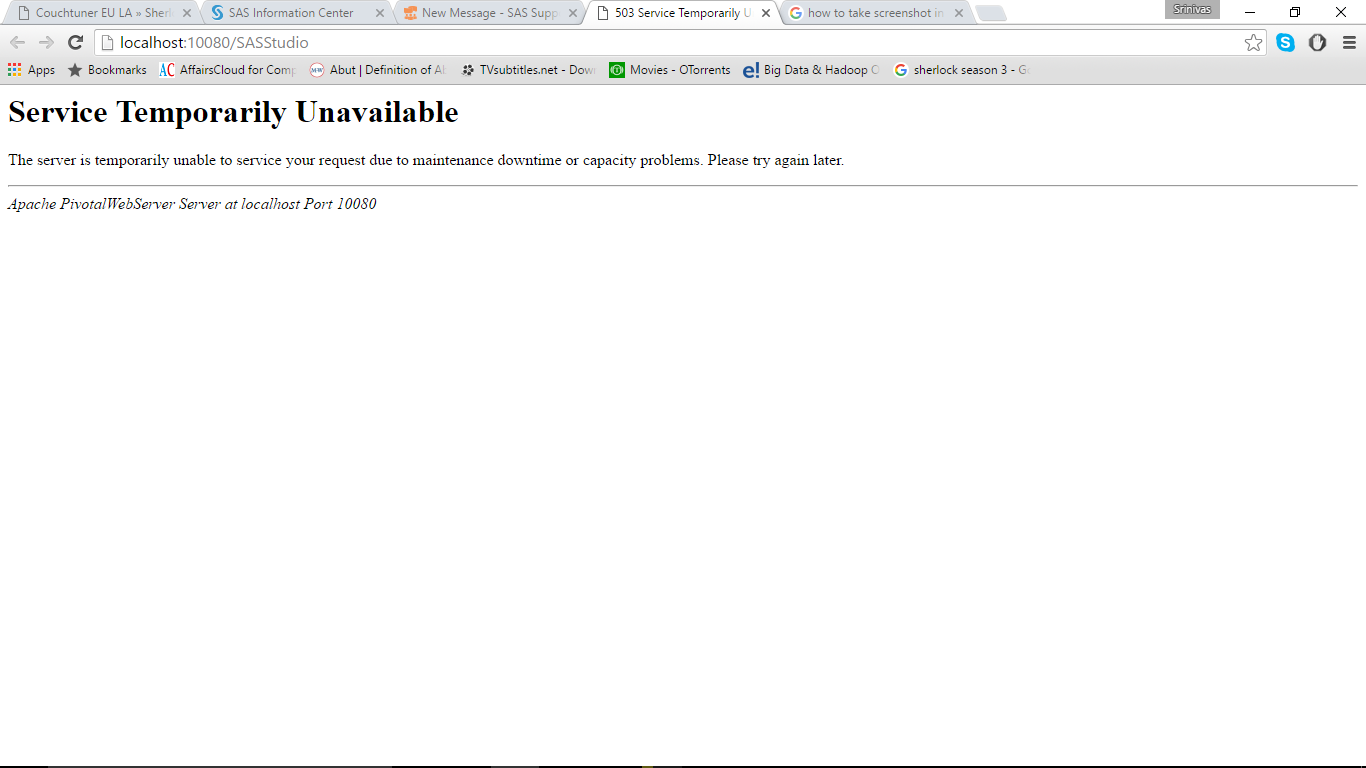
Accepted Solutions


- Mark as New
- Bookmark
- Subscribe
- Mute
- RSS Feed
- Permalink
- Report Inappropriate Content
An update is available to fix this issue. Please see https://communities.sas.com/t5/SAS-Analytics-U/Service-Temporarily-Unavailable-Error-503-an-update-f... for the details.


- Mark as New
- Bookmark
- Subscribe
- Mute
- RSS Feed
- Permalink
- Report Inappropriate Content
I usually get this message from SAS web applications when the application server (jboss) is still in the process of starting up.
If the problem persists, look at the application server logs if something prevents it from properly finishing the startup.

- Mark as New
- Bookmark
- Subscribe
- Mute
- RSS Feed
- Permalink
- Report Inappropriate Content
Make sure the VM is running. Restart if necessary.
See trouble shooting tips here http://support.sas.com/software/products/university-edition/faq/main.htm
- Mark as New
- Bookmark
- Subscribe
- Mute
- RSS Feed
- Permalink
- Report Inappropriate Content
An update is available to fix this issue. Please see https://communities.sas.com/t5/SAS-Analytics-U/Service-Temporarily-Unavailable-Error-503-an-update-f... for the details.

Catch up on SAS Innovate 2026
Nearly 200 sessions are now available on demand with the SAS Innovate Digital Pass.
Explore Now →Get started using SAS Studio to write, run and debug your SAS programs.

Find more tutorials on the SAS Users YouTube channel.
SAS Training: Just a Click Away
Ready to level-up your skills? Choose your own adventure.
-
3 replies
-
05-02-2016 04:47 AM
-
3808 views
-
0 likes
-
4 in conversation
-


