Hi,
After downloading and importing SAS University Edition.
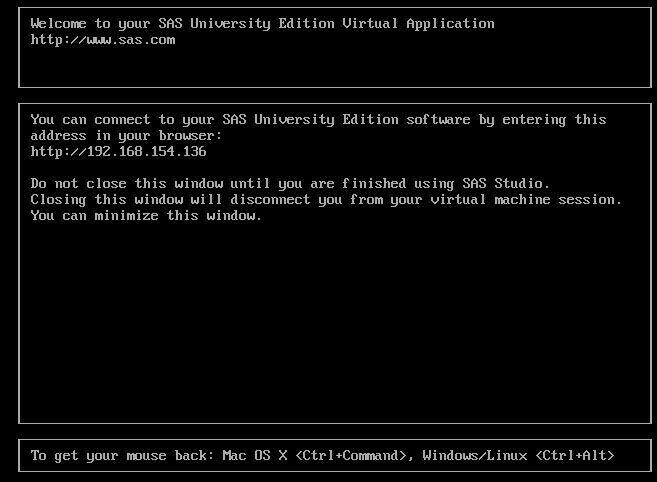
1. Which after loading looks like the image below. (see image1)
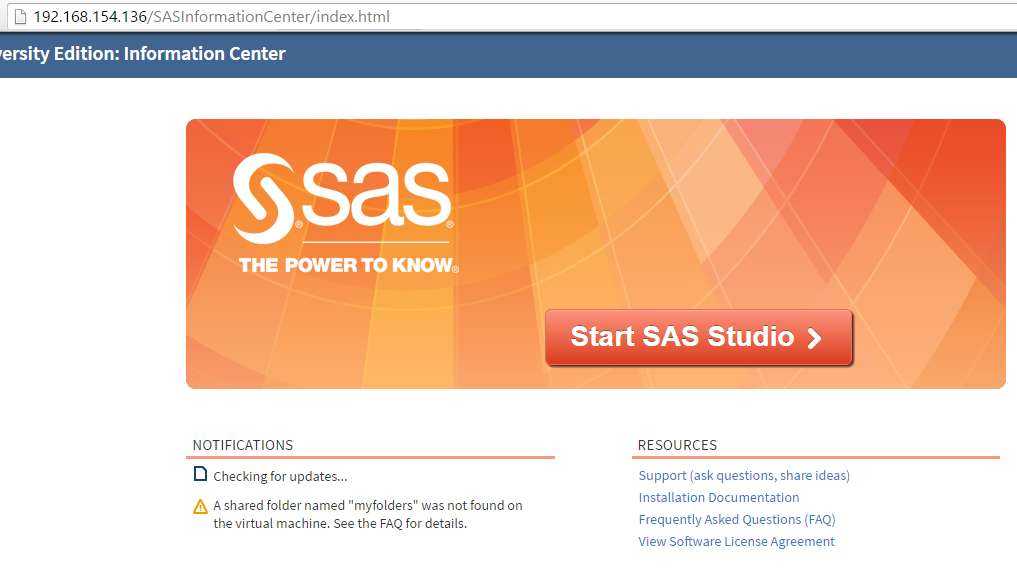
2. After this i entered the http://192.168.154.136 address in the browser which took me to the 2nd image. (see image2)
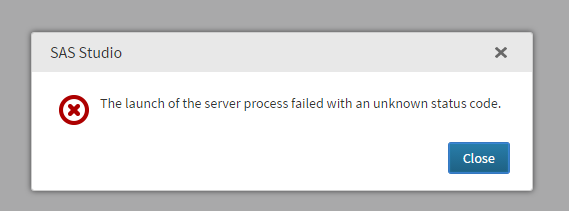
3. Clicked Start SAS Studio and Error message pops up. "The lauch of the server process failed with an unknow status code" (see image3)
Can you please guide me how to launch SAS Studio?
Regards,
Rehan
http://support.sas.com/kb/54/109.html
In general see trouble shooting tips here:
http://support.sas.com/software/products/university-edition/faq/main.htm
http://support.sas.com/kb/54/109.html
In general see trouble shooting tips here:
http://support.sas.com/software/products/university-edition/faq/main.htm
April 27 – 30 | Gaylord Texan | Grapevine, Texas
Walk in ready to learn. Walk out ready to deliver. This is the data and AI conference you can't afford to miss.
Register now and lock in 2025 pricing—just $495!
Get started using SAS Studio to write, run and debug your SAS programs.

Find more tutorials on the SAS Users YouTube channel.
Ready to level-up your skills? Choose your own adventure.