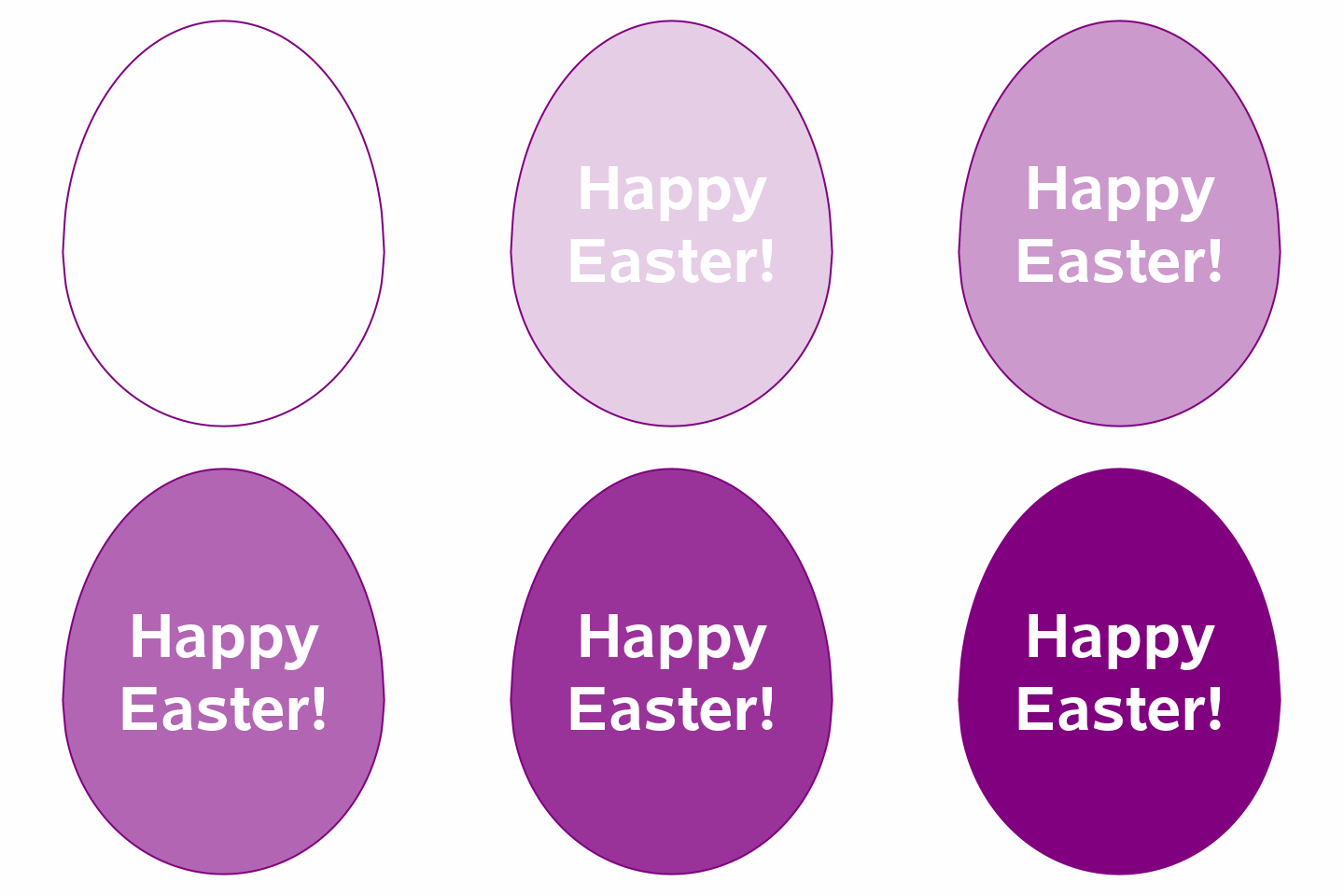
A SAS ODS Graphics (polygon+spline+text plots) Happy Easter to all!
* Fun With SAS ODS Graphics: Easter Egg Dyeing;

data points;                                                         * Create points for "egg" made from an ellipse and a circle;
poly=1;                                                              * One polygon of points;
do x=-.75, -.75 to .75 by .01, .75;                                  * Top is a vertical half-ellipse (width=.75, height=1);
  y=sqrt(1-x**2/.75**2);
  if y^=. then output;                                               * Polygons don't like missing values, kids!;
end;
do x=.75, .75 to -.75 by -.01, -.75;                                 * Bottom is a semi-circle (r=.75, generate points right to left for polygon);
  y=-sqrt(.75**2-x**2);
  if y^=. then output;                                               * Polygons don't like missing values, kids!;
end;
x=.; y=.; xT=0; yT=.25/2; text="Happy*Easter!"; output;              * Centered Happy Easter! message;

%macro colorEggs;
%do transparency=0 %to 100 %by 2;                                    * Generate frames with varying levels of transparency;
%if &transparency=0 | &transparency=100 %then options animduration=1; %else options animduration=.12;; * Display first/last frame for 1 second, others for .12 second;
proc sgplot data=points aspect=1 noborder noautolegend nowall;       * Generate Easter Egg - polygon plot of half-ellipse + semi-circle points, spline plot border, text plot message;
polygon x=x y=y id=poly / nooutline fill nooutline fillattrs=(color=purple
        transparency=%sysevalf((100-&transparency)/100));            * "Egg" polygon;
spline x=x y=y / lineattrs=(color=purple thickness=2pt);             * Draw smoother egg outline using spline plot;
text x=xT y=yT text=text / position=center vcenter=bbox splitchar='*' contributeoffsets=none
                           splitpolicy=splitalways textattrs=(size=48pt weight=bold color=white) strip; * Happy Easter! message;
xaxis display=none min=-.925 max=.925 offsetmax=.001 offsetmin=.001; * Limit x/y axis bounds;
yaxis display=none min=-.80 max=1.05 offsetmax=.001 offsetmin=.001;
run;
%end;
%mend;
                                                                     * Create animated GIF from frames;
options papersize=('5 in', '5 in') printerpath=gif animation=start
        nodate nonumber animloop=YES animduration=1 NOANIMOVERLAY;
ods printer file='~/HappyEaster2022.gif';
ods graphics / reset antialias border=no height=5in width=5in imagefmt=gif border=off;

%colorEggs;                                                         * Generate Easter Egg animated GIF;

options printerpath=gif animation=stop;                             * Wrap-up animated GIF creation;
run;
ods printer close;




