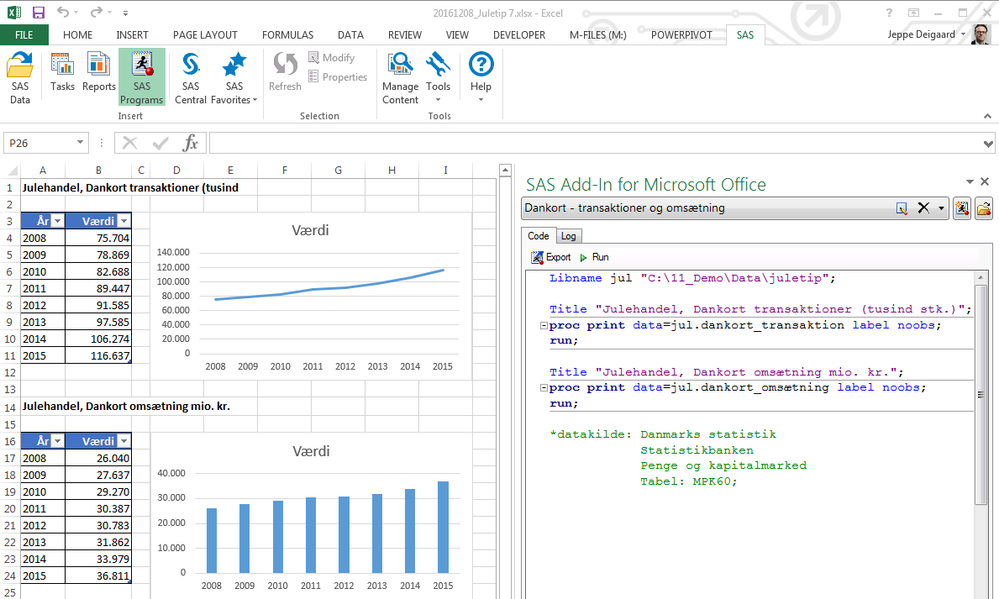
Write and submit SAS code directly from MS Office documents by using the new SAS Program Editor for MS Office. Using the Program Editor, you can define a LIBNAME, write a program, submit the code, and manage the results within MS Excel, MS Word and MS PowerPoint. You can also open an existing SAS program. When you run the SAS program, the results are added to the specified location in the Office document.
The Program Editor includes
- a color-coded, syntax-checking SAS language editor for editing new or existing SAS programs.
- auto completion,
- automatic formatting,
- pop-up help, and
- parenthesis matching.
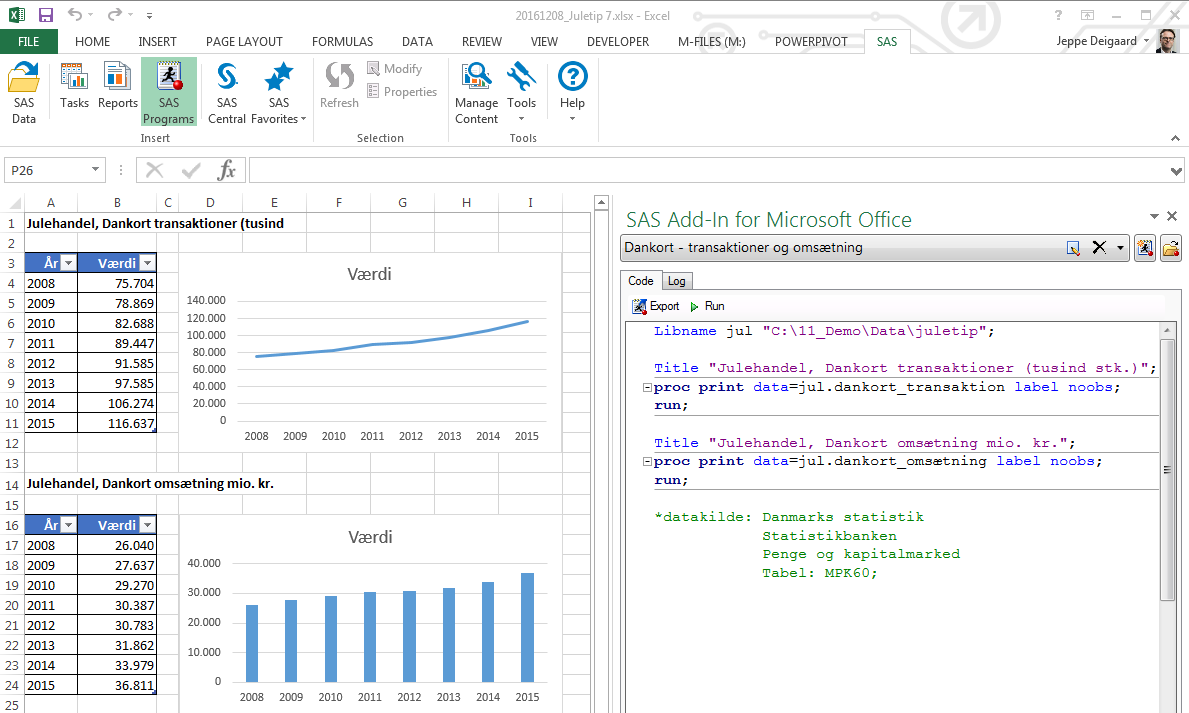
An example from MS Excel is presented below. The example displays that Denmark has seen a year over year growth in both credit card transactions and turnover during the Christmas month the last 8 years – happy shopping everyone!
The feature above is part of the newly released SAS version 9.4M4 – you can find more information on the release here and where we will post more information here.
Merry Christmas
Jeppe
Example: Program Editor in MS Excel
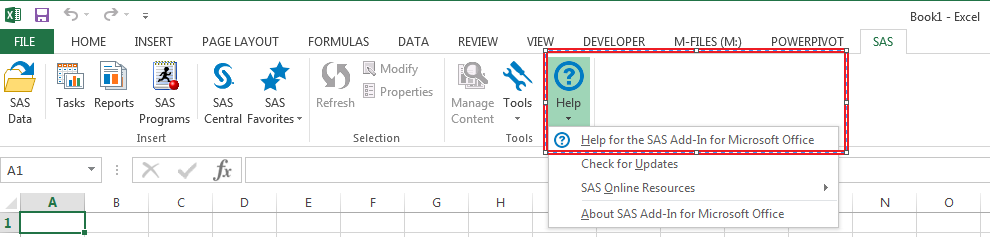
For more information see ”Help for SAS Add-In for Microsoft Office” in the software