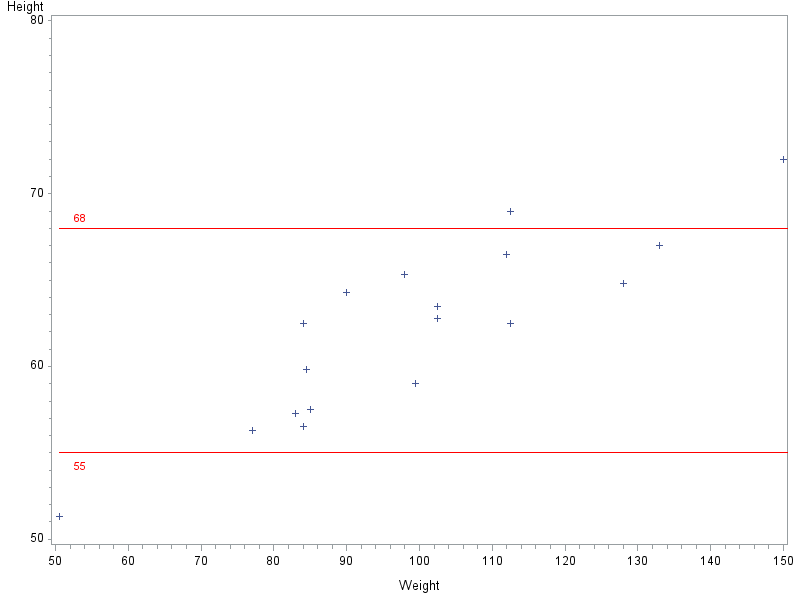
I'm creating a number of boxplots for lab analytes. They include VREF lines for upper limit of normal (ULN) and lower limit of normal (LLN). My statistician asked me to bring the lines to the foreground, which I did with FRONTREF. But this caused a problem with the positioning of the labels.
The y-axis has to have enough range to include outliers, so in a few cases, the ULN and LLN lines are physically pretty close on the graph. When this happens, the text "ULN" is positioned below its line, and the text "LLN" is positioned above its line--in some cases, overlapping each other. In graphs where the two VREFs are farther apart, "ULN" prints above its line and "LLN" prints below its line--which is what I want for all of them. The actual proc boxplot code is in a macro, so there are no changes to the options among analytes, so I'm not sure why the VREF labels are inconsistent.
What I want:
ULN
________________________________
________________________________
LLN
What I'm getting in some cases:
____________________________
ULN
LLN
____________________________
Is there any way to force VREF labels to print above/below the VREF line?
Thanks in advance!
Suzy G.