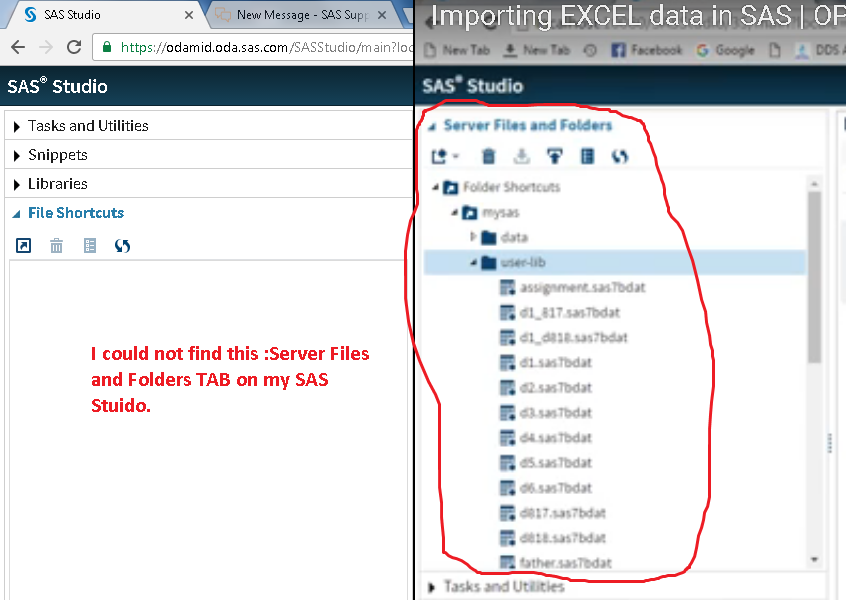
I want to import the excel data into SAS Studio University Edition (Online).
I was trying to upload the excel file but i could not find the "Tab" that says " Server files and folders" ... so i cannot create the folder and upload the file. Later, i searched over youtube and find that this is missing. (Enclosed is picture, on the left is my SAS Studio & on the right is the missing tab, that i could not bring back)
If anyone could please guide me how to bring back that tab.
I am sorry to ask some basic question, but i am unable to figure out the soluction. I shall be thankful to you for your kind reply