


Call for content now open!
It's your turn to help shape SAS Innovate 2027. Share your expertise and inspire the SAS community.
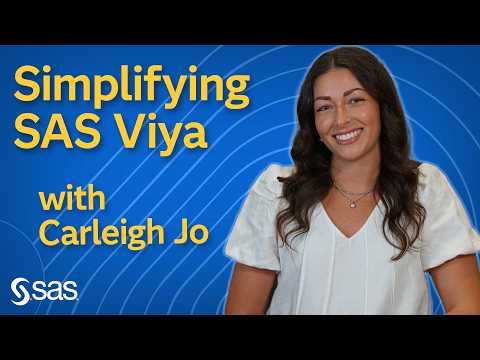
SAS Viya: Coding Simplified
Carleigh Jo Crabtree presents a simplified intro to SAS Viya for programmers.
Find more tutorials on the SAS Users YouTube channel.
-
721 views
-
0 likes

