BookmarkSubscribeRSS Feed
tedway
Obsidian | Level 7

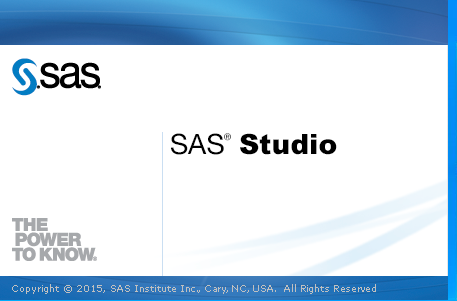
Is there a way to prevent SAS Studio from displaying the splash screen at launch or at least a way to make it so that it isn't on top of all other windows?

I tried adding -NOSPLASH to my SAS config file but that apparently refers to something else.


Just to restate the issue, whenever I launch SAS Studio the below window displays for several seconds and it covers up all other Windows (i.e. my browser, other applications, etc.) and can't be closed or moved.


sas_studio_splash.png

Develop Code with SAS Studio

Get started using SAS Studio to write, run and debug your SAS programs.

Find more tutorials on the SAS Users YouTube channel.

SAS Training: Just a Click Away

 Ready to level-up your skills? Choose your own adventure.

Browse our catalog!

Discussion stats
  • 0 replies
  • 884 views
  • 0 likes
  • 1 in conversation