- Home
- /
- Programming
- /
- Enterprise Guide
- /
- Can't Import Custom Task using TASK IMPORT WIZARD in EG 5.1.
- RSS Feed
- Mark Topic as New
- Mark Topic as Read
- Float this Topic for Current User
- Bookmark
- Subscribe
- Mute
- Printer Friendly Page


- Mark as New
- Bookmark
- Subscribe
- Mute
- RSS Feed
- Permalink
- Report Inappropriate Content
Hi, guys!
I want to use the Task Import Wizard to register the custom task, but failed! Here it is:
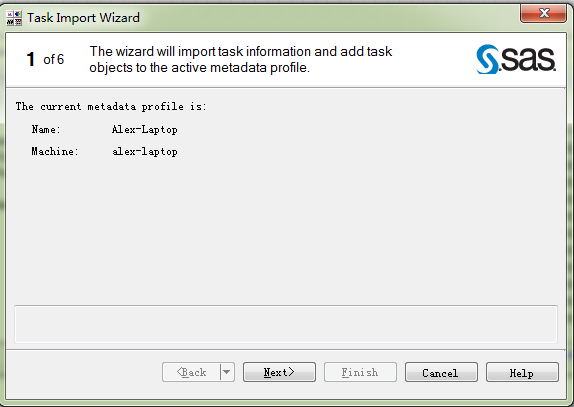
First, I open then Task Import Wizard:
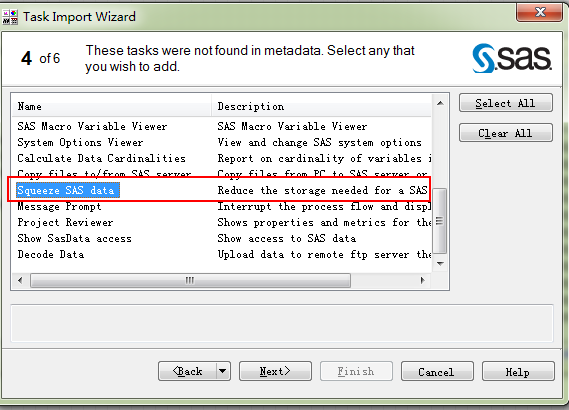
Then I select the custom task "Squeeze SAS data" (from Chris@SAS), and click next.
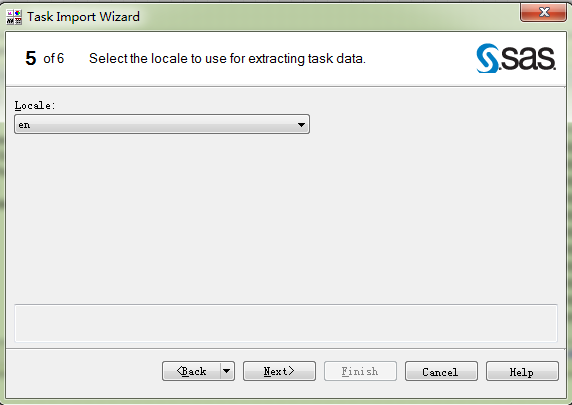
Then select the locale:
Then Finish it, and failed:
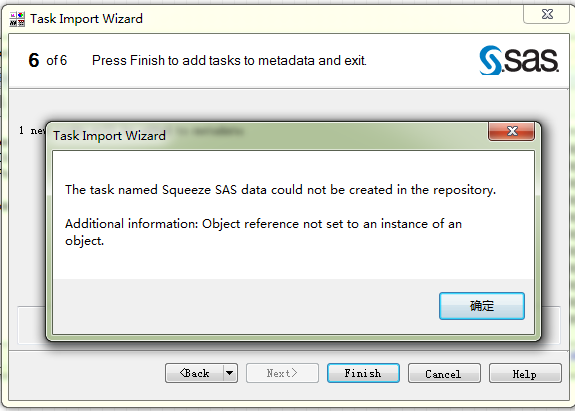
So, How should solve this problem? Thanks, everyone!
Accepted Solutions


- Mark as New
- Bookmark
- Subscribe
- Mute
- RSS Feed
- Permalink
- Report Inappropriate Content
Eric,
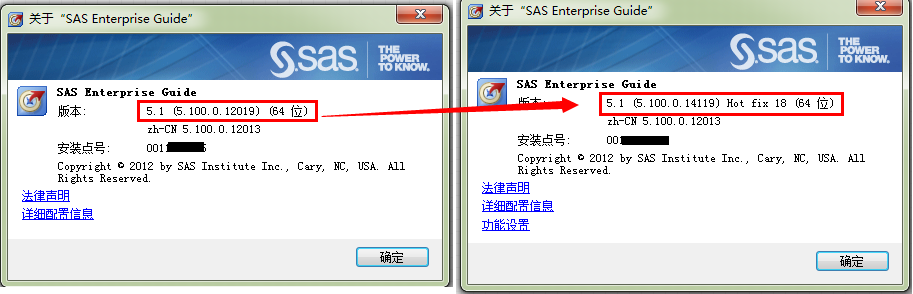
This was a problem when EG 5.1 was first released, but it was fixed in a hotfix. Please check that you have the latest fixes:
Hot Fixes for SAS Enterprise Guide 5.1
Chris
- Mark as New
- Bookmark
- Subscribe
- Mute
- RSS Feed
- Permalink
- Report Inappropriate Content
Eric,
This was a problem when EG 5.1 was first released, but it was fixed in a hotfix. Please check that you have the latest fixes:
Hot Fixes for SAS Enterprise Guide 5.1
Chris
- Mark as New
- Bookmark
- Subscribe
- Mute
- RSS Feed
- Permalink
- Report Inappropriate Content
Thanks, Chris! You are right, I install the hotfix, the problem is gone!

Catch up on SAS Innovate 2026
Nearly 200 sessions are now available on demand with the SAS Innovate Digital Pass.
Explore Now →Check out this tutorial series to learn how to build your own steps in SAS Studio.

Find more tutorials on the SAS Users YouTube channel.
SAS Training: Just a Click Away
Ready to level-up your skills? Choose your own adventure.
-
2 replies
-
07-30-2014 12:29 PM
-
2342 views
-
1 like
-
2 in conversation
-


