- Home
- /
- Programming
- /
- Enterprise Guide
- /
- Re: Can Eguide use macro variable in file location?
- RSS Feed
- Mark Topic as New
- Mark Topic as Read
- Float this Topic for Current User
- Bookmark
- Subscribe
- Mute
- Printer Friendly Page


- Mark as New
- Bookmark
- Subscribe
- Mute
- RSS Feed
- Permalink
- Report Inappropriate Content
Hello All,
I use Eguide to import .csv .
I have a macro variables to point the location of .csv.
But...
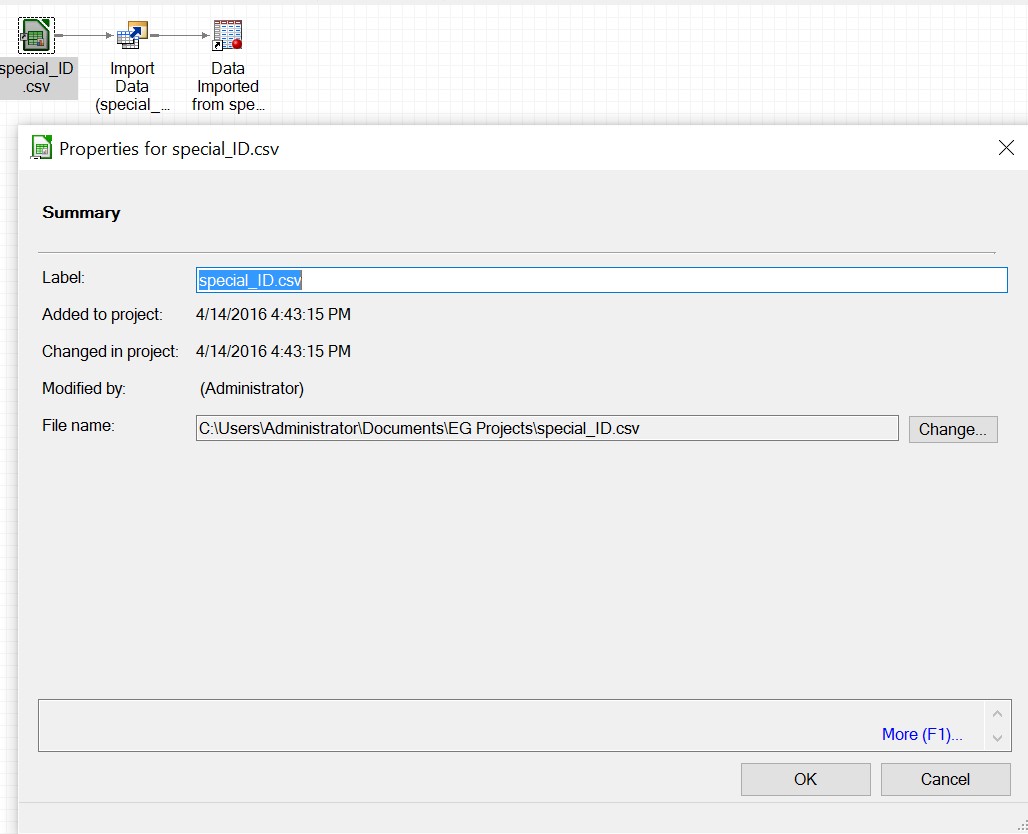
How can i use a macro variable to assign in 'Filename'?
Thank you all in advance.
Accepted Solutions


- Mark as New
- Bookmark
- Subscribe
- Mute
- RSS Feed
- Permalink
- Report Inappropriate Content
Your Enterprise Guide controls the Workspace Server process by sending SAS code snippets. As such, it can create macro variables from user prompts. But it does not retransfer those macro variables back into it's own data structures, AFAIK.
But once you have defined a task, you can copy the code from the Code tab and use it in a Code node within the project. In this code, replace filenames etc. with macro variables at will.
- Mark as New
- Bookmark
- Subscribe
- Mute
- RSS Feed
- Permalink
- Report Inappropriate Content
Your Enterprise Guide controls the Workspace Server process by sending SAS code snippets. As such, it can create macro variables from user prompts. But it does not retransfer those macro variables back into it's own data structures, AFAIK.
But once you have defined a task, you can copy the code from the Code tab and use it in a Code node within the project. In this code, replace filenames etc. with macro variables at will.

Catch up on SAS Innovate 2026
Nearly 200 sessions are now available on demand in the Innovate Hub.
Watch Now →Check out this tutorial series to learn how to build your own steps in SAS Studio.

Find more tutorials on the SAS Users YouTube channel.
SAS Training: Just a Click Away
Ready to level-up your skills? Choose your own adventure.
-
1 reply
-
04-14-2016 04:46 AM
-
1927 views
-
1 like
-
2 in conversation
-


