


Call for content now open!
It's your turn to help shape SAS Innovate 2027. Share your expertise and inspire the SAS community.
- Ask the Expert: SAS Functions That Put the "FUN" in Programming | 06-Oct-2026
- PhilaSUG & NJSUG Joint In-Person Meeting 2026 | 09-Oct-2026
- North Texas SAS User Group (NoTSUG) Fall Meeting | 09-Oct-2026
- Ask the Expert: How Can I Integrate SAS® Viya® With Microsoft 365? | 13-Oct-2026
- Ask the Expert: Map to Success: Using ODS Graphics for Data Visualization | 15-Oct-2026
- Southeast & Atlantic SAS Users Group Conference | 22-Oct-2026
- Ask the Expert: Getting Started With SAS Visual Analytics: Build Your First Dashboard | 22-Oct-2026
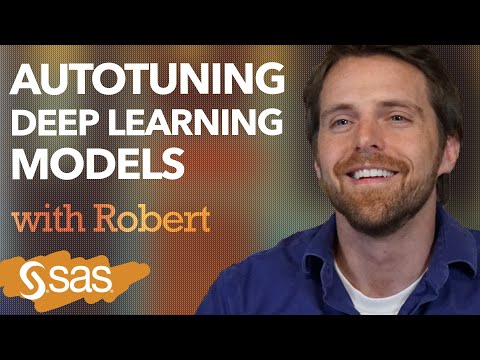
Autotuning Deep Learning Models Using SAS
Follow along as SAS’ Robert Blanchard explains three aspects of autotuning in a deep learning context: globalized search, localized search and an in parallel method using SAS.
Find more tutorials on the SAS Users YouTube channel.
-
498 views
-
0 likes


