BookmarkSubscribeRSS Feed

SAS Mobile BI tip #2: Build once and view everywhere

Started ‎01-29-2016 by
Modified ‎02-15-2016 by
Views 3,026

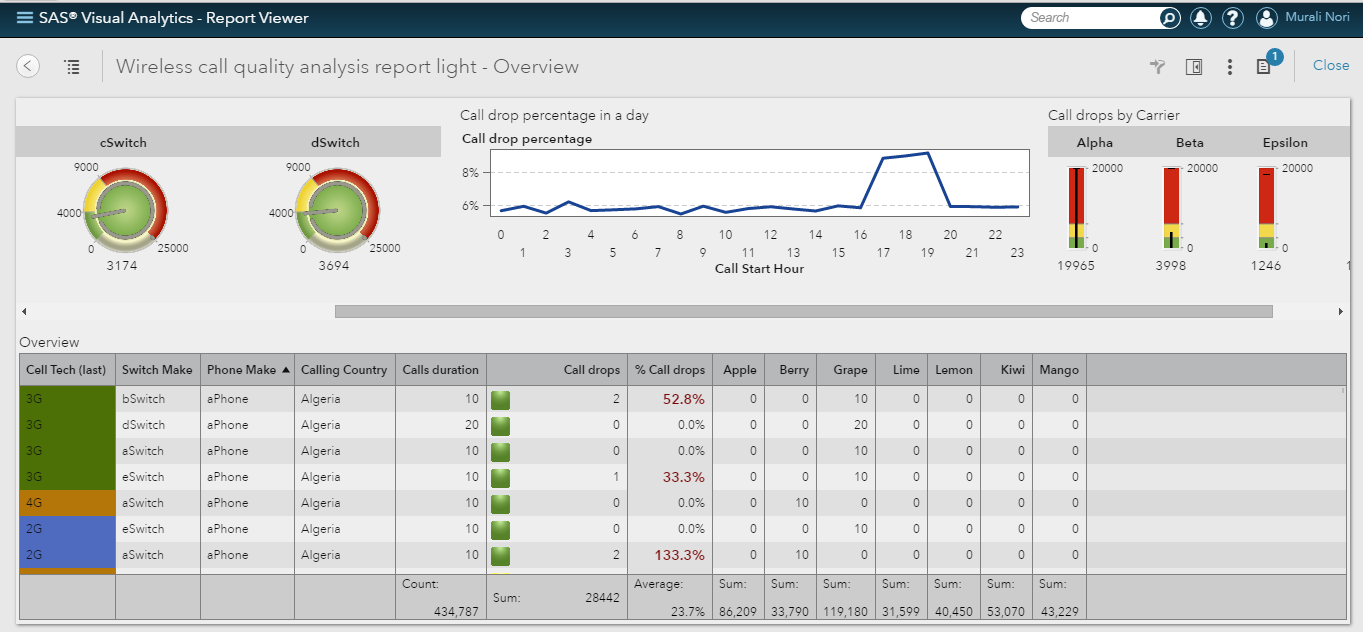
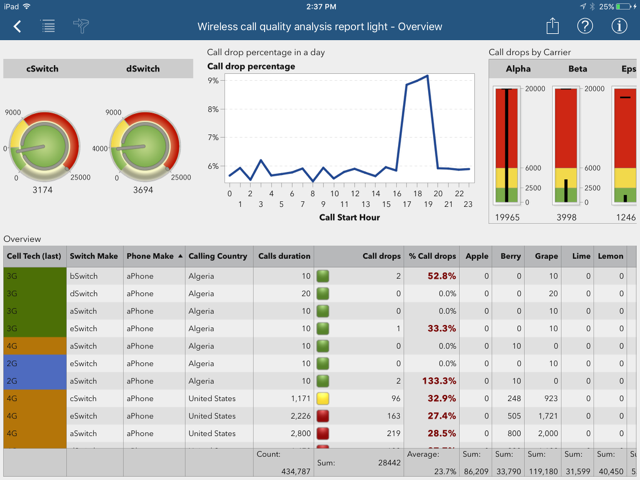
Who has time to design device-specific reports? SAS Visual Analytics allows you to design once and view anywhere on web and mobile devices. SAS Mobile BI reports use an adaptive layout approach to interpret and render the report after it’s built with the web-based designer interface in SAS Visual Analytics. Once the report author saves the report to a shared folder, the mobile user can point to it and open anytime from anywhere. 


Example of web interface on desktop:

 Report on Desktop.png


Same report on mobile:

 Report on iPad.png


For more pointers on creating SAS Mobile BI reports, subscribe to the SAS Visual Analytics section (select Options, then Subscribe) of the SAS Communities Library. Here are other posts in this series for reference:


Version history
Last update:
‎02-15-2016 01:24 PM
Updated by:

sas-innovate-2026-white.png


April 27 – 30 | Gaylord Texan | Grapevine, Texas

Registration is open

Walk in ready to learn. Walk out ready to deliver. This is the data and AI conference you can't afford to miss.
Register now and lock in 2025 pricing—just $495!

Register now

SAS AI and Machine Learning Courses

The rapid growth of AI technologies is driving an AI skills gap and demand for AI talent. Ready to grow your AI literacy? SAS offers free ways to get started for beginners, business leaders, and analytics professionals of all skill levels. Your future self will thank you.

Get started

Article Labels
Article Tags